• Updated • 4 min read
Samsung opens One UI 9 beta to Galaxy S25 phones
Samsung has started testing Android 17-based One UI 9 on the Galaxy S25 series, with a 3.8GB-plus download and new accessibility tools.
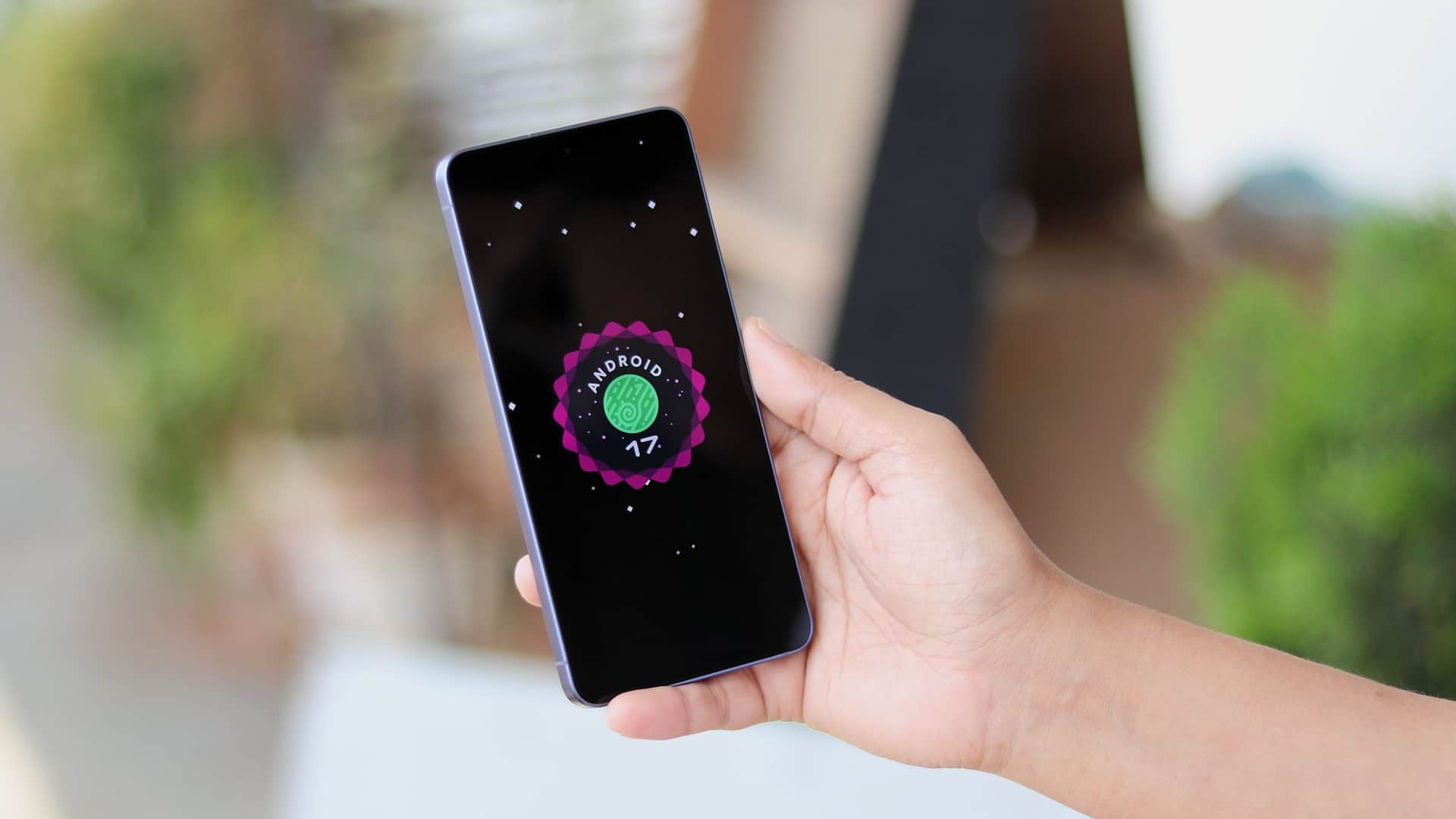
Image: SamMobile
Samsung has started rolling out the first One UI 9.0 beta, based on Android 17, to the Galaxy S25 series in India and South Korea. The beta covers the Galaxy S25, Galaxy S25+, Galaxy S25 Ultra and Galaxy S25 FE, although Samsung has not said whether the Galaxy S25 Edge will join the program.
The update is the S25, S25+ and S25 Ultra’s second major Android upgrade, while it is the first major upgrade for the S25 FE. Samsung has confirmed Android 17 and One UI 9.0 as the final major update for its older S23 lineup. Samsung’s Galaxy S23 update policy does not establish how many future upgrades the S25 series will receive.
| Galaxy S25 model | One UI 9 beta status | Reported rollout detail |
|---|---|---|
| Galaxy S25, S25+, S25 Ultra | Included | India and South Korea |
| Galaxy S25 FE | Included | Update size and firmware not specified |
The firmware identifier is S93xBXXUCZZHL for the Indian models and S93xNKSUCZZHL for South Korean models. On the Galaxy S25 Ultra, the download exceeds 3.8GB; Samsung is using slightly different package sizes for the other phones. The build also includes the August 2026 security patch.
Recommended reading
iOS 27 ships Siri AI with daily limits and an old-branch patch
Sergey Kuznetsov • • 10 min read
What Samsung changed in beta 1
The first beta focuses on interface and accessibility changes rather than a major expansion of Galaxy AI. The changelog lists one new Galaxy AI feature: Pay Now for Now Brief. Other changes affect the quick panel, DeX, Samsung Notes, location indicators and assistive controls.
The quick panel now supports more granular customization. Users can resize the brightness and volume sliders and the media player, rearrange controls, and separate the sound-mode button from the volume slider. These changes affect the panel’s layout rather than adding controls.
Samsung DeX gets a window-management workflow. An app can be moved from one desktop to another through the menu at the top of its window, while desktop previews appear at the top of the Recents screen so users can switch desktops with a single tap.
Samsung Notes adds a Tape feature that can conceal part of a note until it is revealed. The beta also adds pen styles for writing and drawing. These features are specific to Notes and are separate from the system-level text and accessibility changes.
One privacy-facing change is a blue indicator at the top of the display when an app accesses location data. Tapping the indicator in the quick panel shows which app made the request.
Accessibility gets the largest feature set
The changelog gives accessibility more space than Galaxy AI. A new Text spotlight mode enlarges and highlights text in a separate window, with controls for font size, colors and other display settings. A new Select to speak tool can read selected text or describe an image without requiring users to enable full TalkBack.
Physical-keyboard users gain shortcuts for opening accessibility settings. Mouse Keys adds controls for pointer speed and acceleration and allows a keyboard number pad to handle pointing and clicking. Samsung also moved the “Replace swipe with single tap” setting from the Assistant menu to the Dexterity and interaction menu.
Samsung says its TalkBack work with Google has been unified, and TalkBack updates can now be delivered through a standard Play Store app update. Future TalkBack improvements covered by the changelog can therefore be delivered separately from the operating-system beta.
How to join the beta
Users in the supported markets can enroll through the Samsung Members app. After enrollment, the beta is downloaded from Settings > Software update. Samsung may expand access to additional countries, but no broader rollout date is given.
The reported beta availability does not include the United States, and the supplied rollout details do not say when American Galaxy S25 users will be able to enroll. Samsung has also not provided a stable-release date, a final feature list or a public schedule for the S25 Edge.
Update, 19 September 2026 — Galaxy S25 stable rollout set for September 28
SamMobile reports that Samsung released the stable One UI 9 update for the Galaxy S26 series in Korea on September 16. The outlet says a wider rollout is due to begin September 21, with the Galaxy S25 series scheduled to follow from September 28 in some markets.
The report also describes features beyond the first S25 beta changelog, including My FanCam video tracking in Gallery and user-created Now Brief cards. It says Android 17's Motion Assist can show motion-responsive shapes at the screen edges and can be enabled automatically while traveling or from the Quick Panel.
Frequently asked questions
Is the Galaxy S25 One UI 9 beta available in the US?+
The reported beta rollout is limited to India and South Korea. The supplied information does not give a US enrollment date.
Which Galaxy S25 phones are included in the One UI 9 beta?+
The beta includes the Galaxy S25, Galaxy S25+, Galaxy S25 Ultra and Galaxy S25 FE. Samsung has not confirmed whether the Galaxy S25 Edge is included.
How do I install the Galaxy S25 One UI 9 beta?+
Enroll through the Samsung Members app, then download the update from Settings > Software update.
When will the stable One UI 9 update arrive?+
Samsung has not announced a stable-release date in the supplied information.
A section byline, not a person: stories filed here by for(geeks) are held to the same editorial policy as every story we run.