• 3 min read
Mac App Store apps can now drop Intel Mac support
Apple will let universal Mac App Store apps requiring macOS 13 or later stop supporting Intel Macs, while Rosetta 2 also nears retirement.
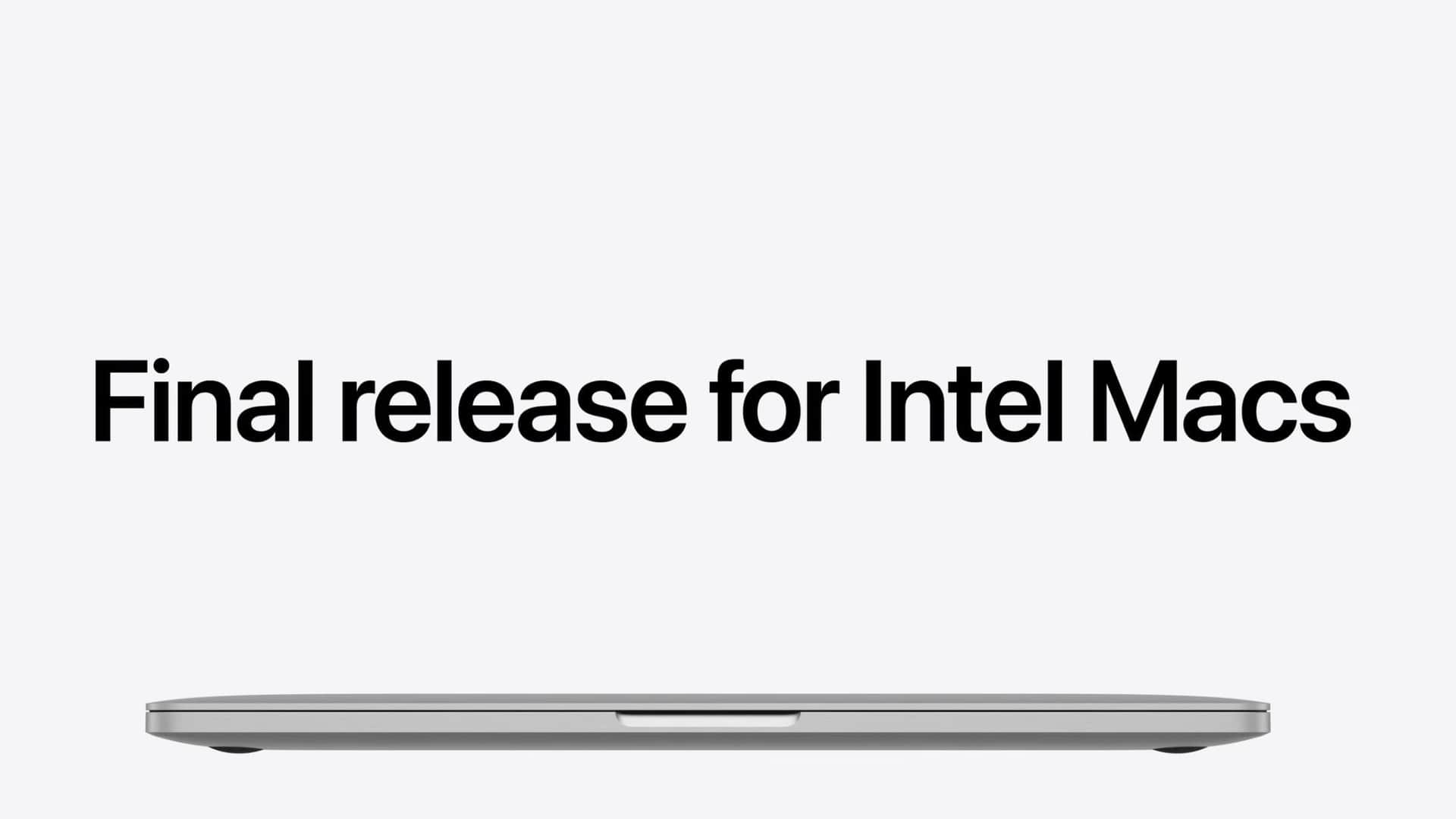
Image: MacRumors
Apple is allowing Mac App Store developers to remove Intel support from universal apps that require macOS 13 or later. The change ends a restriction that previously forced those apps to continue supporting Intel-based Macs. It took effect on September 1, 2026.
Developers that make this change can simplify their codebase and reduce an app’s download size and storage use. The trade-off is permanent for affected users: an Intel Mac will stop receiving updates for that app and remain on the last compatible version.
This change affects Mac App Store distribution rules, not macOS compatibility requirements. Apple is allowing developers to decide on an app-by-app basis. Existing universal apps will not automatically drop Intel support.
macOS itself is moving past Intel
Apple’s operating-system releases now separate the two Mac CPU families:
| macOS release | Intel Mac support | Apple silicon requirement |
|---|---|---|
| macOS Tahoe | Last macOS version to run on Intel Macs | Not specified |
| macOS Golden Gate | Intel Macs are not supported | M1 chip or later |
The App Store policy applies to universal apps with a minimum requirement of macOS 13 or later, so it covers software that may still run on Intel hardware through current macOS versions. Once an app drops Intel support, users on those Macs can keep using only the final compatible build. The source does not specify how developers must label that state in the App Store or how long those older builds will remain available for download.
Apple is also reducing the role of Rosetta 2, the translation technology that allows Intel-based apps to run on Apple silicon Macs. Rosetta 2 will stop working for most apps after macOS Golden Gate, and apps that depend on it will not launch. Apple is making a narrow exception for some older, unmaintained games that rely on Intel-based frameworks.
That exception does not preserve Intel support generally. It covers a specific class of legacy games, while the broader direction is for developers to ship Apple-silicon-native software and for users on Intel Macs to remain on older operating-system and application versions.
What Intel Mac owners should expect
Intel users are not being told that their installed apps will stop working on September 1, 2026. The immediate consequence depends on whether each developer removes Intel compatibility from a future release. If that happens, the current Intel-compatible version becomes the endpoint for updates, while the Mac can continue running that version under a compatible macOS release.
The main limitation is macOS Golden Gate. Apple says that release is limited to Macs with an M1 chip or later, so Intel owners cannot move to it even if an individual application still supports Intel. The end of Rosetta 2 creates a separate compatibility cutoff for Apple-silicon owners who rely on older Intel-only software.
Apple’s announcement leaves several practical details unresolved. It does not identify a deadline by which developers must act, list which apps are dropping support, or state whether Mac App Store users will receive a warning before an app update becomes Apple-silicon-only. For now, the policy change gives developers the option; it does not establish a single shutdown date for third-party Intel Mac applications.
Frequently asked questions
Will Intel Macs stop running Mac App Store apps immediately?+
No. Developers can now choose to remove Intel support from future updates. Intel users can continue using the last compatible version of an app.
Which macOS version is the last to support Intel Macs?+
Apple says macOS Tahoe is the last macOS version that will run on Intel-based Macs.
Can Intel Macs run macOS Golden Gate?+
No. macOS Golden Gate is limited to Apple silicon Macs with an M1 chip or later.
What happens to Rosetta 2 after macOS Golden Gate?+
Rosetta 2 will stop working for most apps, and apps that rely on it will not launch. Apple is making an exception for some older, unmaintained games.
A section byline, not a person: stories filed here by for(geeks) are held to the same editorial policy as every story we run.