• 3 min read
Better pet photos start with your phone
Improve pet photos with phone settings, better lighting, eye-level framing, and tricks for capturing natural attention.
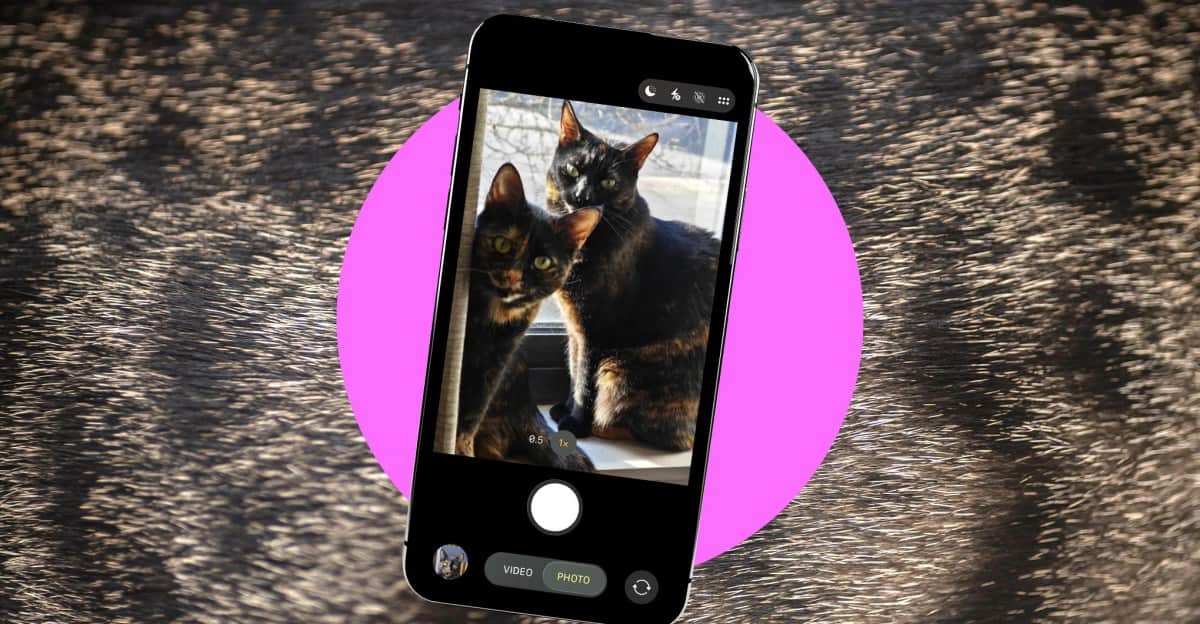
Image: The verge
Pets are small, fast, unpredictable—and rarely interested in following directions. But with the right light, camera settings, and timing, your phone can capture sharper, more expressive photos. The Verge reports these practical techniques from photographer Dominic Preston.
Set up the hardware
Use the camera you already have with you. A dedicated camera can help, but a better phone camera may be more useful—and cheaper—for spontaneous pet photos.
Add light for indoor portraits. A dedicated light can reveal detail and prevent household lighting from making photos look flat or overly yellow. A cheap $40 Raleno softbox can work for staged shots, although it is less useful for candid photos.
Adjust the camera settings
Increase the shutter speed when your pet is moving. A shorter exposure reduces motion blur. On many Android phones, sports mode handles this automatically; on iPhones and most Android phones, burst mode captures a rapid sequence so you can choose the sharpest frame.
- 1Use faster shutter speeds in bright conditions when possible. Short exposures capture less light, so indoor or dimly lit photos can become noisy—even when the pet itself is sharp.
- 2Use portrait mode or lower the aperture to blur the background. For manual control, try somewhere between f/4 and f/5.6. Pets often have deeper faces than people, so an aperture that is too wide may leave the nose sharp while the ears fall out of focus.
- 3Switch to a dedicated telephoto lens for portraits. It can make the subject stand out while letting you photograph from farther away. Digital zoom on the main camera will not produce the same effect.
Shoot from your pet’s eye level
Crouch down and photograph your pet head-on rather than shooting from standing height. Eye-level photos generally create a stronger portrait and make it easier to frame the animal against a cleaner background.
- 1Photograph elevated pets when getting down to their level is difficult. Raised beds, stairs, tanks, and cages can provide useful vantage points, though glass and bars may reduce image quality. Remove an animal from its tank only when it is feasible and safe.
- 2Use standing-height shots selectively. They can work when the wider scenery is part of the composition, but they often look less deliberate and make background blur harder to achieve.
Direct attention without forcing the shot
- 1Use a toy or treat to guide your pet’s attention. Hold a colorful, rattly toy above the camera—or have someone else do it—to encourage eye contact. Keep several toys nearby for cats, which may lose interest quickly.
- 2Look for the eyes even when your pet is not facing the lens. A subject looking toward the room’s brightest light, such as a window, can create a more natural composition.
- 3Plan around your pet’s routine instead of expecting it to pose on command. Photograph sleepy pets at naptime, capture animals that enjoy sunbeams when the light is right, and use predictable bursts of activity—such as nighttime “zoomies”—for action shots.
Pets will still move at the wrong moment, yawn, or turn away. Accepting those blurry and awkward frames is part of the process; they are often the photos that reveal the animal’s personality best.

Editor-in-Chief
Sergey Kuznetsov is Head of Product at iXBT.com, one of the largest Russian-language technology media outlets, and the founder of itzine.ru. He has spent over a decade building and running tech newsrooms. At for(geeks) he sets editorial standards and reviews what ships.